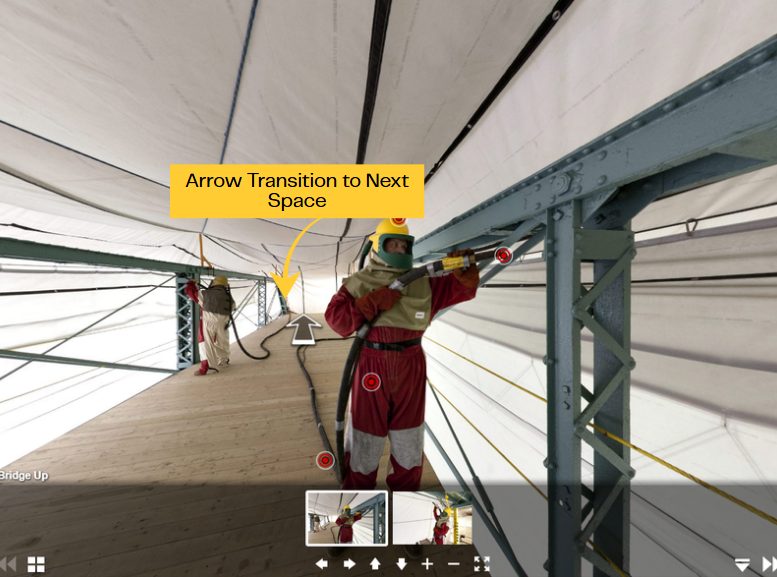
A panorama is a wide angle view of an entire surrounding area or a complete presentation of the subject. Panoramas in the LMS are 360-degree photographic images of real jobsites used to boost student engagement, navigate complex site conditions, and identify hazards/safety issues. They capture actual jobsite conditions instead of using fake, computer-generated 3D models. They provide an immersive alternative to virtual reality (VR).
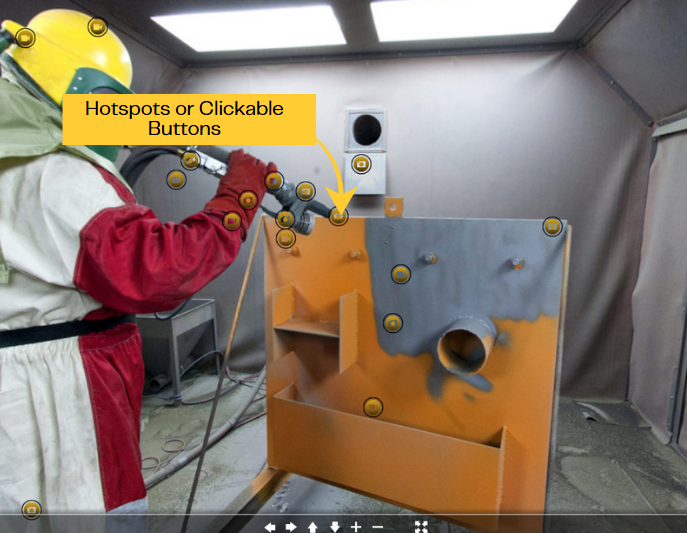
We have add text, audio, and graphics directly onto the images to identify tools and PPE, highlight risks, or explain regulations. The user can move around the interactive photo/jobsite by swipping (using touch screen devices), pressing and dragging the cursor around the space, or using the navigation buttons ((up, down, right, or left ).
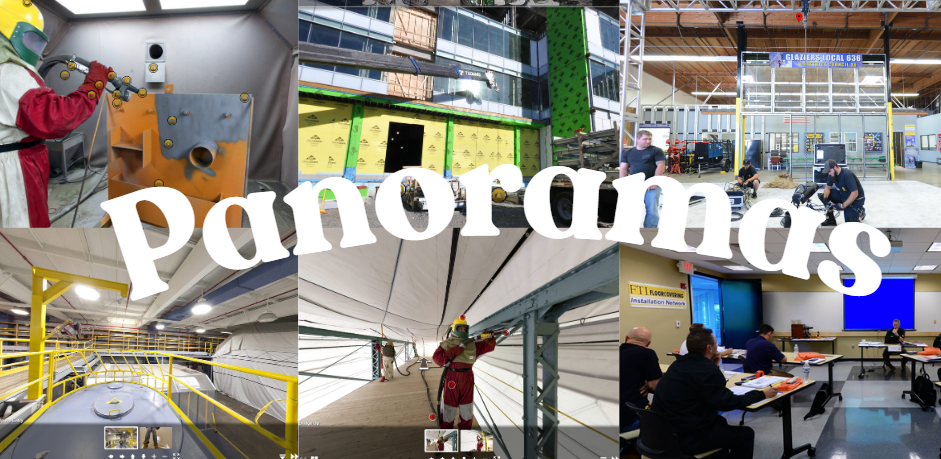
What are the available Panoramas in the LMS?
The panoramas are found in the course descriptions or embedded in the online modules. Below are the available panoramas in the LMS:
- GLZ 5418I Unitized Glazing Systems Installation (Instructor Access)/GLZ 5418S Unitized Glazing Systems Installation (Student Access) – UMASS Glazing Project Panorama
- TDS 9204 Ground Rigging – Ground Rigging Panorama
- CAS 2004 Bridge Awareness/ CAS 2001 Bridge Rigging – Bridge Containment Panorama
- CAS 2101 Coating Application Specialist (CAS) Examination Preparation – CAS Spray Booth Panorama
- COR 1111I Confined Space (Instructor Access)/ COR 1111C Confined Space (CERTIFICATION) – Confined Space Panorama
- COR 1046 Basic Blueprint Reading/GLZ 5305 Blueprint Reading: Architectural – Blueprint Panorama
- Sample iFTI Class Panorama
What are the parts of Panorama?
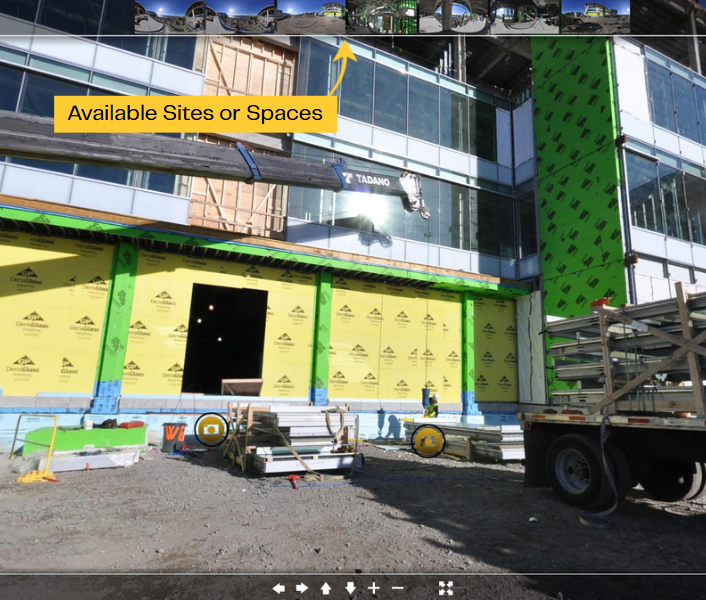
Available Sites/Spaces within the Panorama – If available, click the site you want to view.
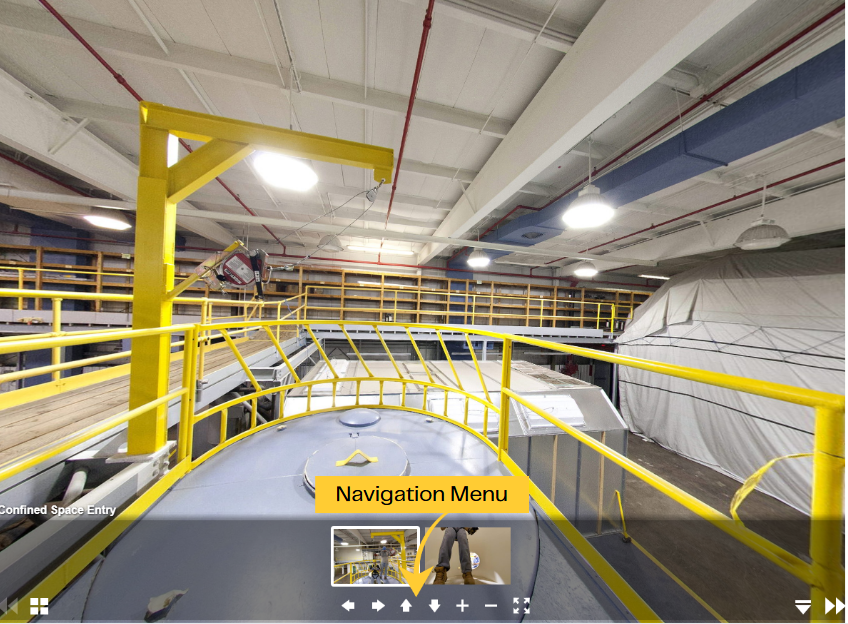
Navigation Menu – Move around the interactive photo/jobsite by swipping (using touch screen devices), pressing and dragging the cursor around the space, or using the navigation buttons ((up, down, right, or left ).
Clickable Red or Yellow hotspots that identify object, have additional explanation, graphics, or videos.
Arrows to Transition to the next site (sample Bridge Up and Down)